Battery, Data & Device Optimization for Cash Gaming Sessions (Pakistan 2026)
How to optimize phone battery, mobile data and device settings so CashGames sessions run smoothly, lag-free, and earnings are maximized.
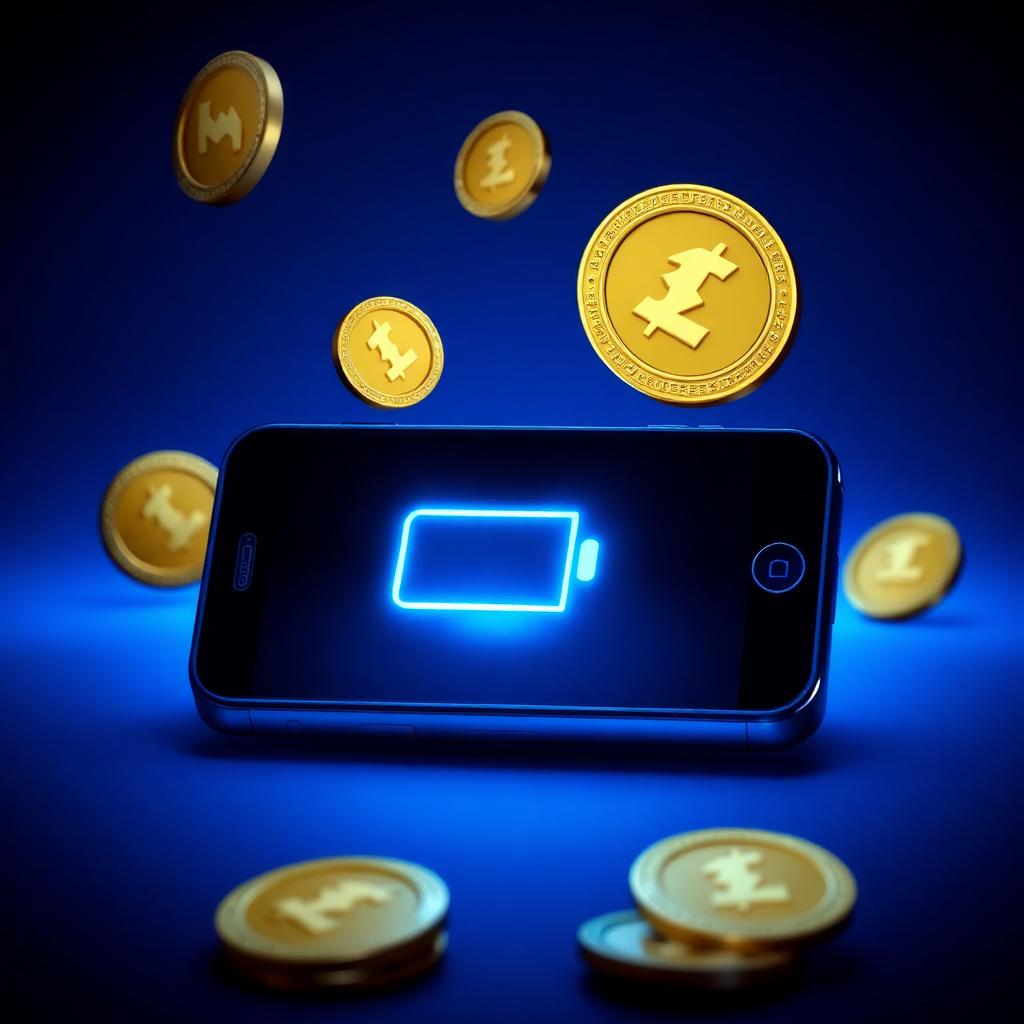
Your phone is your earning tool — but most players ignore this fact. In reflex-based games, a 50ms input lag means a 5-10 point lower score, meaning a lower reward. In this guide, we'll cover complete optimization of battery, mobile data and device settings — in Pakistan's practical context (Zong, Jazz, Ufone, Telenor and mid-range Android phones).
This is a technical guide, but every section comes with actionable steps — no jargon, just practical fixes.
Battery health's impact on CashGames performance
When an old phone's battery health drops below 80%, CPU throttling kicks in — meaning the phone deliberately slows down to save battery. This directly affects reflex games:
- Tap registration delayed by 30-80ms.
- Frame drops from 60 FPS to 45 FPS.
- Delayed position updates for the bird or block.
- Directly 15-20% lower score in Flappy Bird.
Check battery health on Android via Settings → Battery → Battery health. On iPhone via Settings → Battery → Battery Health & Charging. If it's below 80%, it's hurting your score.
Battery saver mode — ON or OFF?
Common misconception: "if I keep battery saver on, I can play longer." Reality: battery saver mode limits CPU/GPU frequency — meaning guaranteed lag. Keep battery saver ALWAYS OFF during gaming sessions, even at 20% battery.
Battery should be at least 40% before starting a gaming session. It's fine if it drops to 15% by the end — but starting with low battery guarantees poor performance.
The role of screen refresh rate
Modern Android phones (2023+ mid-range and up) come with 90Hz or 120Hz screens. By default, this is set to Adaptive mode which saves battery but drops the screen to 60Hz during gaming — a direct score killer for Flappy Bird and Tap Rush.
How to force 120Hz:
- Settings → Display → Refresh rate.
- Set from 'Adaptive' or 'Standard' to 'High' or '120Hz'.
- Test it — the bird's movement in Flappy Bird will feel noticeably smoother.
- Battery will drain 15-20% faster — the trade-off is worth it.
Mobile data vs WiFi — which is better?
The internet reality in Pakistan:
- WiFi (home fiber, PTCL/Nayatel): 5-30ms ping, stable. BEST option.
- 4G (Zong, Jazz): 30-80ms ping in cities, 80-200ms rural. Good.
- 3G fallback: 100-300ms ping. Avoid — risk of a ban in reflex games since laggy inputs look suspicious.
- Public WiFi: variable, often blocked. Avoid.
Ideal: home fiber WiFi. Second best: strong 4G signal (3+ bars). Run a speed test on WhatsApp or a browser before starting a session — you need at least 5Mbps down/1Mbps up for reliable gaming.
Ping matters — real numbers
Server response time (ping) is critical in reflex games:
- 0-30ms: Perfect. Every tap registers instantly.
- 30-80ms: Good. Barely noticeable.
- 80-150ms: Noticeable lag. 10-15% lower score.
- 150ms+: Broken. Don't play reflex games.
A simple way to check ping: open fast.com in a browser, click 'more info' — it shows latency. Confirm it's under 100ms before a session.
Data usage — how much does it consume?
CashGames sessions are light — not heavy on graphics. On average:
- Flappy Bird: ~2-3 MB per hour.
- Stack Tower: ~2 MB per hour.
- Tap Rush: ~3-4 MB per hour (more real-time validation).
- Overall, 1 hour daily = ~5 MB.
- Monthly for a heavy user (2 hrs/day) = 300 MB.
This means a basic mobile data package (like Jazz Weekly 1.5 GB for 9,000 CG) easily covers it. Don't worry about data — worry about connection quality.
Background apps — silent killers
Close these apps before starting a session:
- WhatsApp video/voice call — hogs both CPU and bandwidth.
- YouTube in background — data + CPU.
- OTA app updates — keep 'auto-update over WiFi only' in Play Store settings.
- Cloud backup apps (Google Photos, iCloud) — pause them.
- Antivirus/cleaner apps — mostly useless, they eat background CPU.
Swipe them all closed from recent apps, then open CashGames. This one habit alone will boost your average score by 5-8%.
Do Not Disturb mode — a must during sessions
A single WhatsApp notification can break your concentration — and missing 1 second in Flappy Bird means game over. Enable DND mode:
- Android: Quick settings → DND.
- iPhone: Control Center → Focus → Do Not Disturb.
- Set duration to 'Until I turn off' for the session.
- Don't forget to turn it off after the session.
Screen brightness and auto-brightness
Set brightness manually for gaming — auto-brightness adjusts every 2-3 seconds and strains the eyes. Ideal setting: 20% brighter than the room's light. About 60% indoors during the day, 30-40% at night.
Heat management — keeping the phone cool
During long sessions (30+ min), the phone heats up. A hot phone means performance throttling means lower scores. Solutions:
- Take the case off while gaming — better heat dissipation.
- Don't game while charging — double heat.
- Take a 5-minute break every 20-30 minutes to let the phone cool.
- Never play in direct sunlight — screen visibility suffers and the phone overheats too.
Storage space — 20% free minimum
On both Android and iOS, having less than 20% storage free slows down the system — cache management becomes aggressive and app switching gets sluggish. Do regular cleanup:
- Clear old WhatsApp media.
- Delete downloaded videos.
- Uninstall unused apps.
- Clear cache — Settings → Storage → Cached data.
Recommended device tiers
Minimum viable
Redmi Note 8, Realme C series, Infinix Hot series (2020+). 3GB RAM, 60Hz screen. Playable but optimization is critical.
Sweet spot
Redmi Note 11/12, Realme Narzo, Infinix Note 12, Samsung A24. 4-6GB RAM, 90-120Hz. Comfortable gaming, no issues at all.
Premium
iPhone 12+, Samsung S22+, Pixel 7+. Flagship experience. Overkill for CashGames but future-proof.
If your current phone is 4+ years old and battery health is below 70% — a new phone investment pays off because performance improvements boost earnings. A Rs. 30,000-40,000 mid-range phone recovers its cost in 6-8 months of extra earnings.
Pre-session 60-second checklist
- Confirm battery is 40%+.
- Check strong WiFi/4G signal.
- Close all background apps.
- Turn on DND.
- Set screen brightness manually.
- Disconnect the charging cable.
- Comfortable position — both hands free.
This 60-second routine makes your average session 10-15% more productive. Players who skip it lose thousands of CG coins over a year.
Final thoughts
Phone hardware and software optimization isn't rocket science, but it's the most underrated performance lever. Practicing skill matters — but if your device registers every tap with a 100ms delay, even world-class skill can't get you the score. Set up every item in this guide once, then it becomes automatic daily. And remember: your phone is your earning tool — maintain it with the same seriousness a taxi driver maintains his car.
A session pays only after it reaches its minimum score (10 points in most games, 2 cleared levels in Knife Hit, 4 in Color Loot). Each successful action pays a small amount decided on our server, usually 40 CG to 150 CG. Your total earning in a day stops at your player level's limit: 20,000 CG a day at Level 0, up to 90,000 CG a day at Level 10. The current minimum withdrawal is Rs. 30,000 to your own Easypaisa or JazzCash number, with no fee, and every request is reviewed manually before payment. Any earning figures in this article are examples, not a promise.
More from the blog
Play the games in this guide
Turn what you just read into real CG coin rewards.
- Flappy Bird50 CG–150 CG a pillar, pays from 10 pillars
- Stack Tower50 CG–150 CG a block, pays from 10 blocks
- Tap RushColour-match reflex, pays from 10 correct taps
- Knife Hit300 CG+ a level, pays from 2 cleared levels
- Snake Cash40 CG–150 CG an apple, pays from 10 apples
- Color Loot80 CG+ a level, pays from 4 cleared levels
- How CashGames worksPlay, earn and withdraw step by step
- Fair play & anti-cheatHow every score is verified server-side
- WithdrawalsCash out to Easypaisa or JazzCash
Comments (8)
Good read. I always thought more time means more money, but quality of session matters more as you said.
Bookmarked this one. Very practical advice and no fake promises, that is why I trust this site.
Thanks for writing this in simple English. My cousin also reads your blog and he understood everything easily.
Very helpful article. I was doing everything by guess before, now I have a proper plan for my daily sessions.
I have been playing for 2 months and this guide explained few things I never knew. Specially the daily limit part.
Honestly this is the first blog I read fully till the end. Language is easy and points are to the point.
I applied 2 tips from here yesterday and my score was better than usual. Small changes make big difference.
Sir please make one more article like this with examples. The points here are clear but I want more real numbers.